
An offline quiz app that works anywhere
On the subway, on a plane, in a library with bad Wi-Fi. Once your questions are in QuizBao, nothing needs the internet: not practice, not mock exams, not your mistake book, not your notes.

 Coming soon
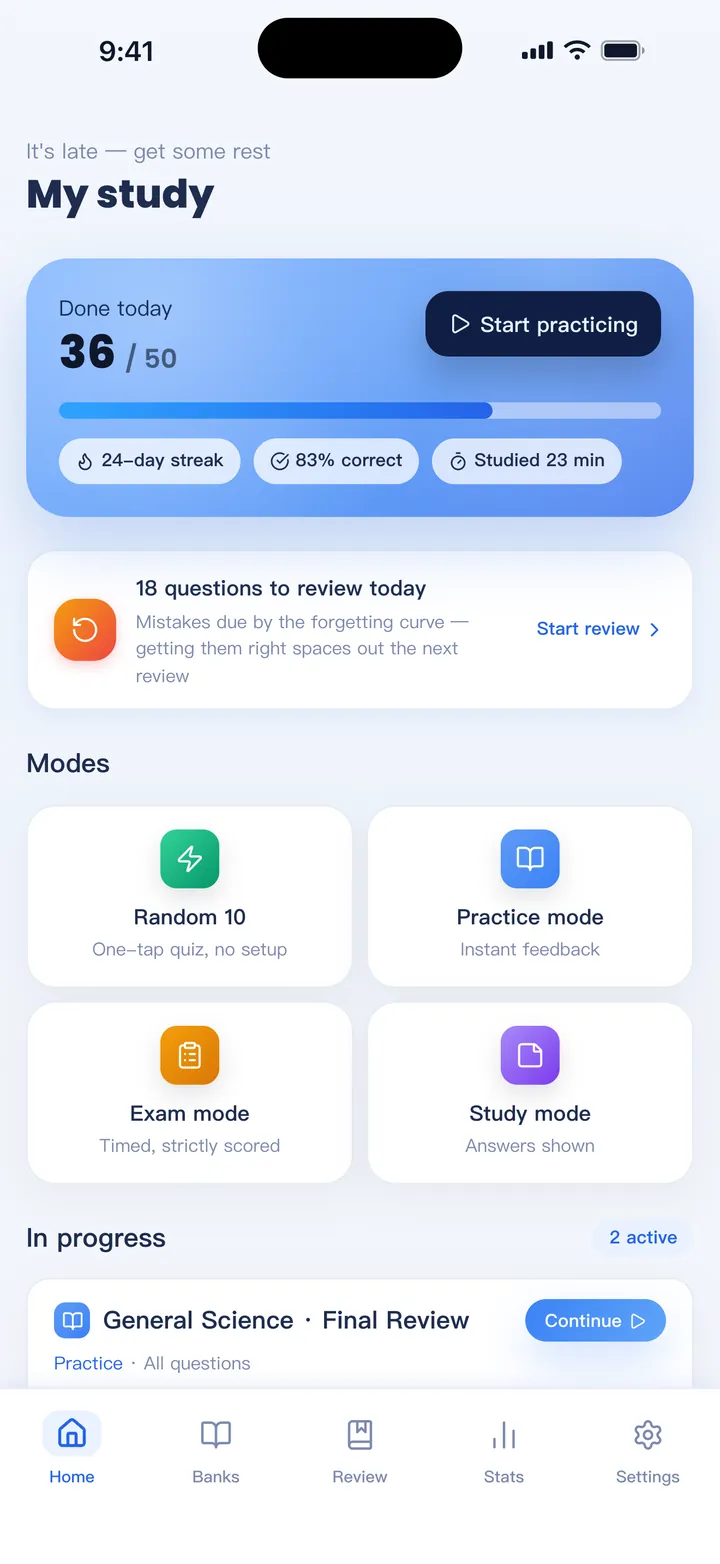
Set it up once, then go offline
Install the app
No sign-up and no account. It opens ready to use with a sample bank.
Import your questions
From Excel, Word, PDF or pasted text. This happens on your device and doesn't need a connection.
Practice anywhere
All modes work offline: practice, study, mock exam, mastery and the mistake book.
Back up when you like
Export a backup file to move to a new phone, or turn on iCloud backup on iPhone and iPad.
What works without internet
- Importing Excel, CSV, Word, text PDFs, text and ZIP files
- All four practice modes, timed mock exams and scoring
- The mistake book, spaced review and statistics
- Handwritten notes and scratch paper
- Searching your banks
- Exporting to Word, Excel and ZIP
Only the optional AI features need a connection: AI Import, AI question generation, AI answer filling, AI explanations and AI study analysis. Explanations you've already fetched stay on your device.
FAQ
Do I need an account?
No. There's no sign-up, and your banks and progress stay on your device.
What happens if I lose my phone?
Your data is on the device, so keep a backup. Export a backup file now and then, or turn on iCloud backup on iPhone and iPad.
Can I use it on two devices?
Yes, but it doesn't sync live. Export a backup from one device and merge it on the other. Progress, mistakes and notes are combined and nothing is duplicated.
Is it free offline?
Yes. The free version holds one bank of up to 100 questions with no time limit, online or offline.
Bring your questions. Start practicing today.
Free to download for iPhone, iPad and Android.
Coming soon