
Turn your notes into a quiz you can actually practice
Rereading notes feels productive, but testing yourself is what makes things stick. Here are three ways to turn lecture notes, handouts or slides into questions, from fully automatic to fully hands-on.

 Coming soon
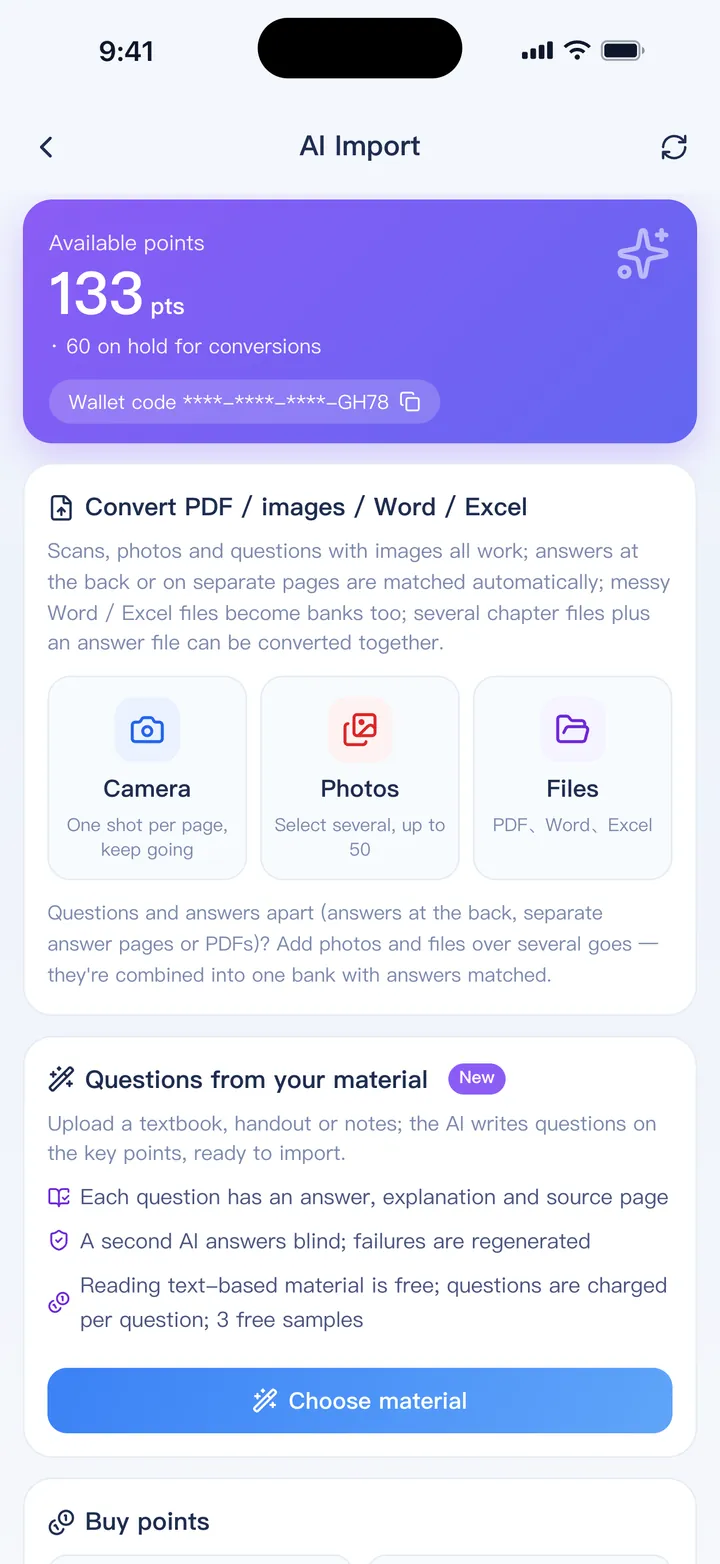
The fastest way: let AI write the questions
Export your notes
PDF, Word, plain text or photos of handwritten pages all work. Google Docs and Notion can export to PDF or Word.
Choose question types
Single choice, multiple choice, true/false, fill-in or short answer, with a difficulty level and any special request.
Check three free samples
See the style of the questions before you spend anything, and change your request if it's off.
Import and practice
Questions go into a normal bank, each with the answer, an explanation and the page it came from.
Which way suits your notes?
Let AI write them
- You have a lot of notes and little time
- You want full coverage of a chapter
- You're fine with checking AI's work
Write them yourself
- Writing questions is part of how you learn
- The exam has a very specific style
- You already have questions in your notes: paste them in
Writing a few questions yourself is great practice. Many people use AI for coverage, then add their own for the parts they keep getting wrong.
Why quiz yourself on your notes
- Recalling an answer strengthens memory more than rereading it, which is known as the testing effect
- A wrong answer shows you exactly what to go back to
- Wrong answers land in your mistake book automatically and come back when you're about to forget them
- Handwritten notes can stay with each question, written right on the screen with Apple Pencil
- Everything works offline once imported, so a commute becomes a study session
AI question generation uses points bought in the app; samples are free. Typing or pasting your own questions is included in the free version for one bank of up to 100 questions.
FAQ
Can it read handwritten notes?
Yes, photos of handwritten pages can be used, though neat handwriting gives better results. Reading photos and scans costs a small number of points per page.
Does it work with PowerPoint slides?
Export the slides to PDF first, then choose that PDF.
Is there a free way?
How is this different from flashcards?
You get real exam-style questions with options, scoring and mock exams rather than front-and-back cards. See when each one suits.
Bring your questions. Start practicing today.
Free to download for iPhone, iPad and Android.
Coming soon